
Your fleet data,
on tap.
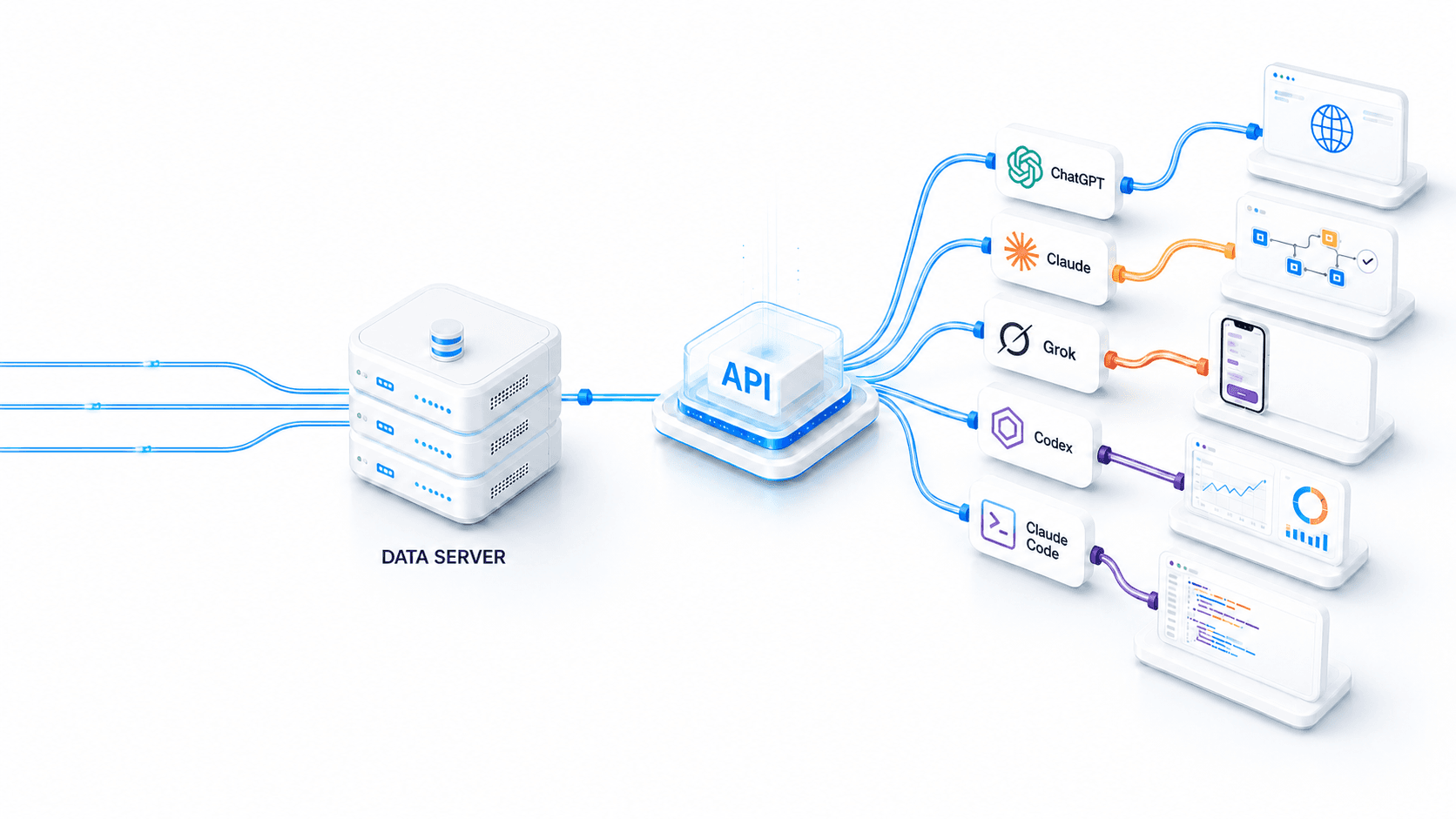
A full REST API to the ACM Destiny platform — units, trips, geofences, commands, reports and live telemetry. Public documentation, bearer-token auth with your own account, and it works with AI assistants out of the box.
What you can build
Read your fleet, act on it
The same data that powers the ACM Destiny dashboard, available programmatically.
Live location & telemetry
Pull real-time position, speed, ignition and unit status for every vehicle, trailer and asset on your account.
- Unit listing & status
- Positions & speed
- Monitoring endpoints
Trips & history
Query historical trips, distances, stops and event counts over any time range for reporting and audits.
- History Query API
- Trip & mileage data
- Event-count queries
Geofences & places
Create and read your own depots, sites and no-go zones, and resolve coordinates to named places.
- Geo API — zones
- Geocoding & places
- Enter / leave lookups
Remote commands
Send supported commands to units and manage vehicles, drivers and clients directly from your own systems.
- Commands endpoints
- Units, drivers, clients
- Reports & dashboards
Live streaming (SSE)
Subscribe to live telemetry with Server-Sent Events instead of polling — updates pushed as they happen.
- Server-Sent Events
- Live telemetry stream
- Streaming guide in docs
Cameras & driver events
Where camera systems are fitted, driver-monitoring (DMS) and ADAS events feed the same platform your API reads from.
- DMS distraction & fatigue events
- ADAS collision & lane events
- Event-based clips
Quick start
From login to live fleet data in two calls.
Authenticate with your ACM Destiny account, copy the returned bearer token and call any endpoint available to your access tier.
# 1. Log in — token comes back in the
#    Authorization response header
curl -i -X POST \
  https://www.acmdestiny.net/api/v1/auth/login \
  -H "Content-Type: application/json" \
  -d '{"username":"you","password":"••••"}'

# 2. Call an endpoint with that token
curl \
  https://www.acmdestiny.net/api/v1/units/listing \
  -H "Authorization: bearer YOUR_TOKEN"
Every endpoint lives under /api/v1
Read the authentication guide →Built for developers
A conventional REST API with public guides, typed reference and code samples.
How it works
RESTful architecture
Standard HTTP methods and JSON responses under a single /api/v1 base URL.
Bearer-token authentication
Log in with your account credentials; the token is returned in the Authorization response header.
Pagination & the form-data pattern
Documented conventions for paging large result sets and posting form-data requests.
Live streaming (SSE)
Server-Sent Events for live telemetry, so you can push updates instead of polling.
Tiered access
Client, partner and staff tiers — you only see the endpoints your account is allowed to use.
# 1. Log in — the token comes back in the Authorization response header
curl -i -X POST https://www.acmdestiny.net/api/v1/auth/login \
  -H "Content-Type: application/json" \
  -d '{"username":"you","password":"••••"}'

# 2. Call an endpoint with that token
curl https://www.acmdestiny.net/api/v1/units/listing \
  -H "Authorization: bearer YOUR_TOKEN"
The full surface — 464 endpoints
Units, vehicles, clients, drivers, commands, reports, dashboards and monitoring.
Administrative and platform-management operations.
Historical telemetry and event-count queries over time ranges.
Geocoding, places and spatial zone lookups.
Server-Sent Events for live telemetry streaming.
Machine-readable specs and an AI-ready endpoint index.
Use it with AI
Not a developer? Let an AI build it.
The entire API is published as a single AI-readable file. Paste the link into Claude or Claude Code with your task — the assistant gets the whole API in context and writes the integration for you. The link is tier-aware, so it only ever sees the endpoints your account is allowed to use.
A dedicated MCP server — so AI assistants can query your fleet in plain language — is on the roadmap for H2 2026.
View llms-full.txtHere's the ACM Destiny API: https://api.acmtrack.com/llms-full.txt Write me a Python script that pulls my vehicle list every morning at 7am and emails it to me.
Getting access
How to get on the API
Be an ACM client
API access uses your ACM Destiny account credentials. If you’re already a client, you can authenticate today — talk to us to enable API access on your account.
Read the docs
Guides, the full endpoint reference and code samples are public at api.acmtrack.com. Start with the authentication guide.
High-volume streaming
Enterprises pushing large volumes of live data can have a dedicated streaming bridge provisioned by our team. Tell us your use case and we’ll scope it.
Start building
The docs are public and the API is live. Read the guides, or talk to our team about enabling access and enterprise streaming.