
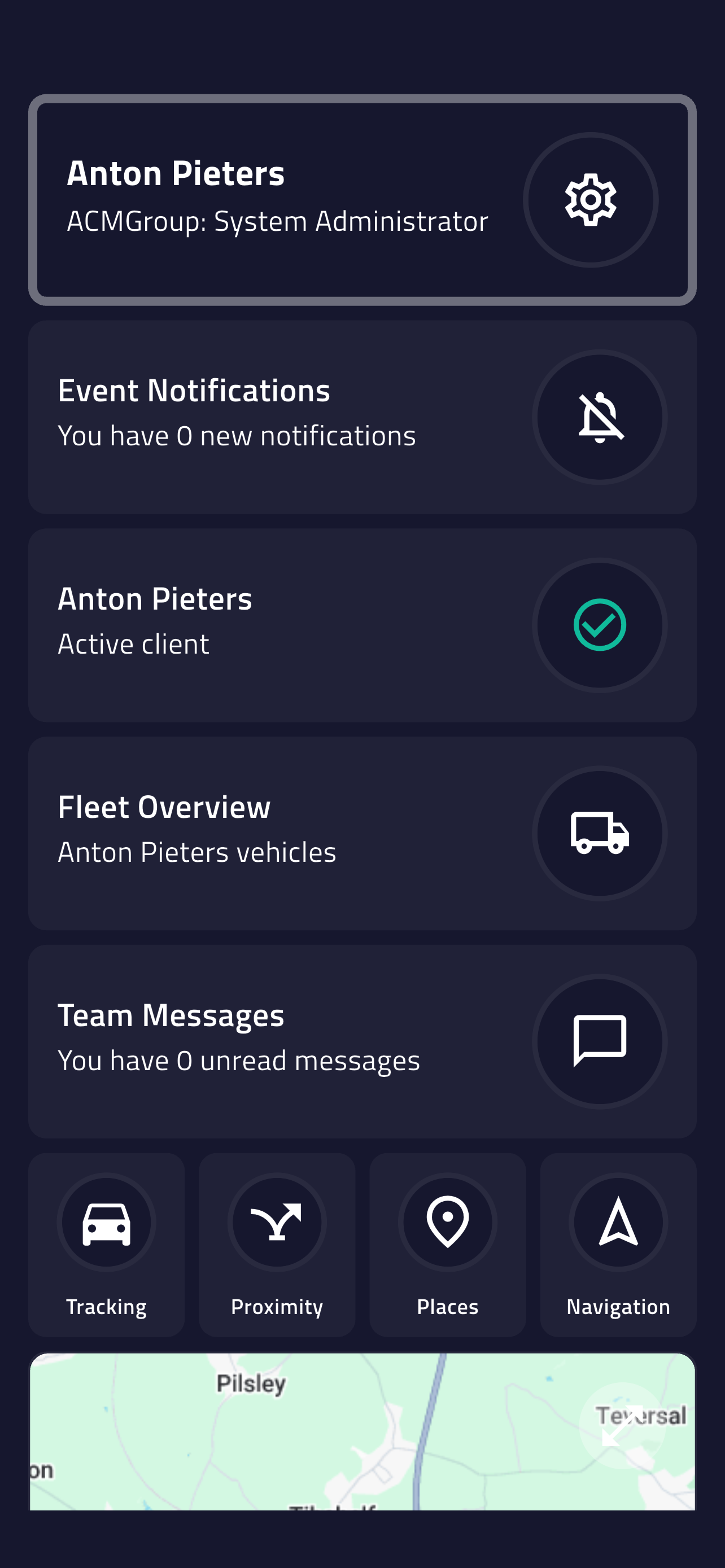
Live Fleet Map
See every vehicle on one map with 10-second updates and search by plate, driver or status.

The live map, trip replay and proximity dispatch — on your phone, for the fleet managers who aren't at a desk.
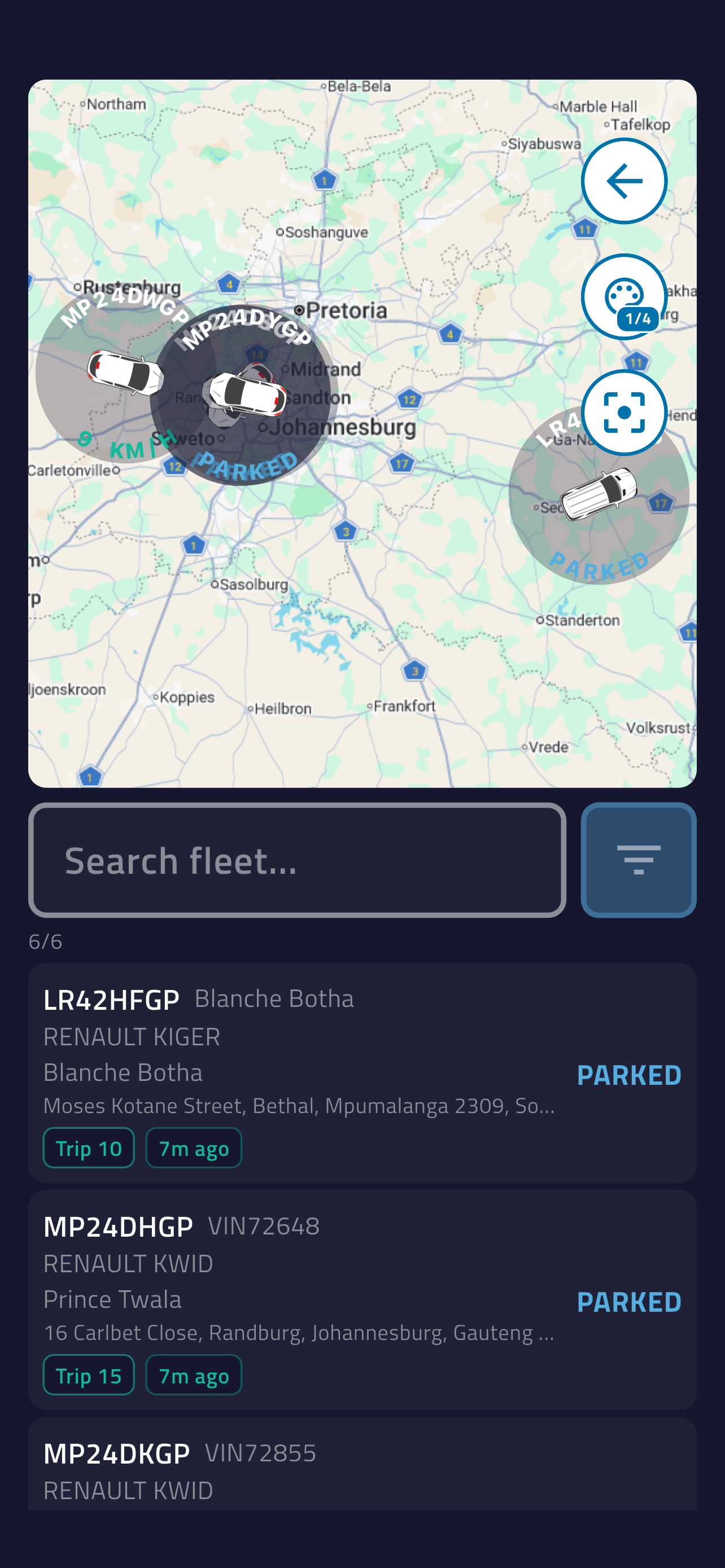
Live fleet visibility, faster dispatch and the operational detail you need — wherever the working day takes you.
See every vehicle on one map with 10-second updates and search by plate, driver or status.
Receive panic, speeding, geofence and unauthorised-movement events directly on your phone.
Pick a date, follow the exact route with times and speeds, and review the full trip from your phone.
Drop a pin and rank the fleet by live drive time and distance to send the nearest vehicle.
Check speed, ignition, battery, signal, satellites and connected vehicle sensors in one place.
View operational boundaries and named locations alongside vehicles, trips and live routes.
See every vehicle in one place, find the right unit fast and move from visibility to action without reaching for the desktop.
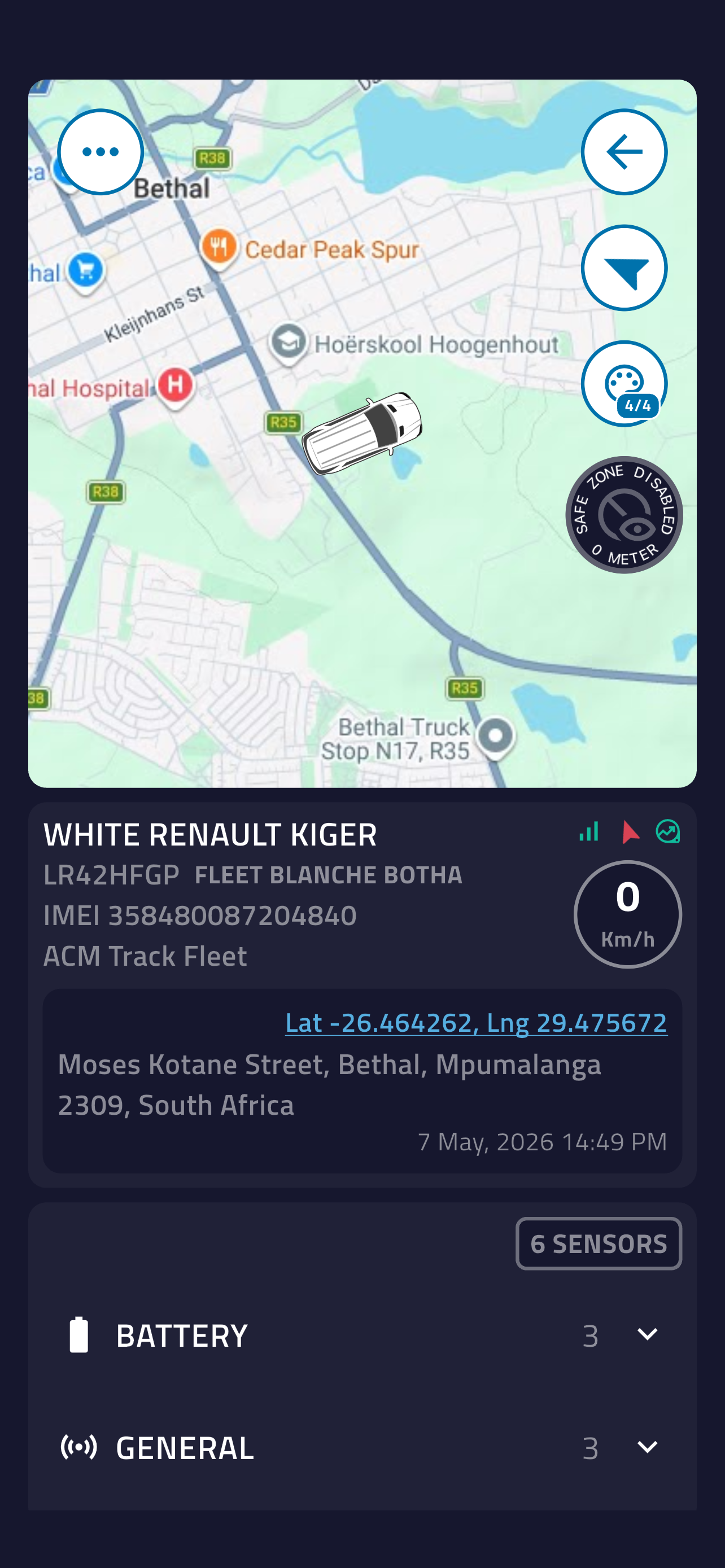
Open one vehicle and move from its live position to driver, health and connected-sensor detail in a single view.
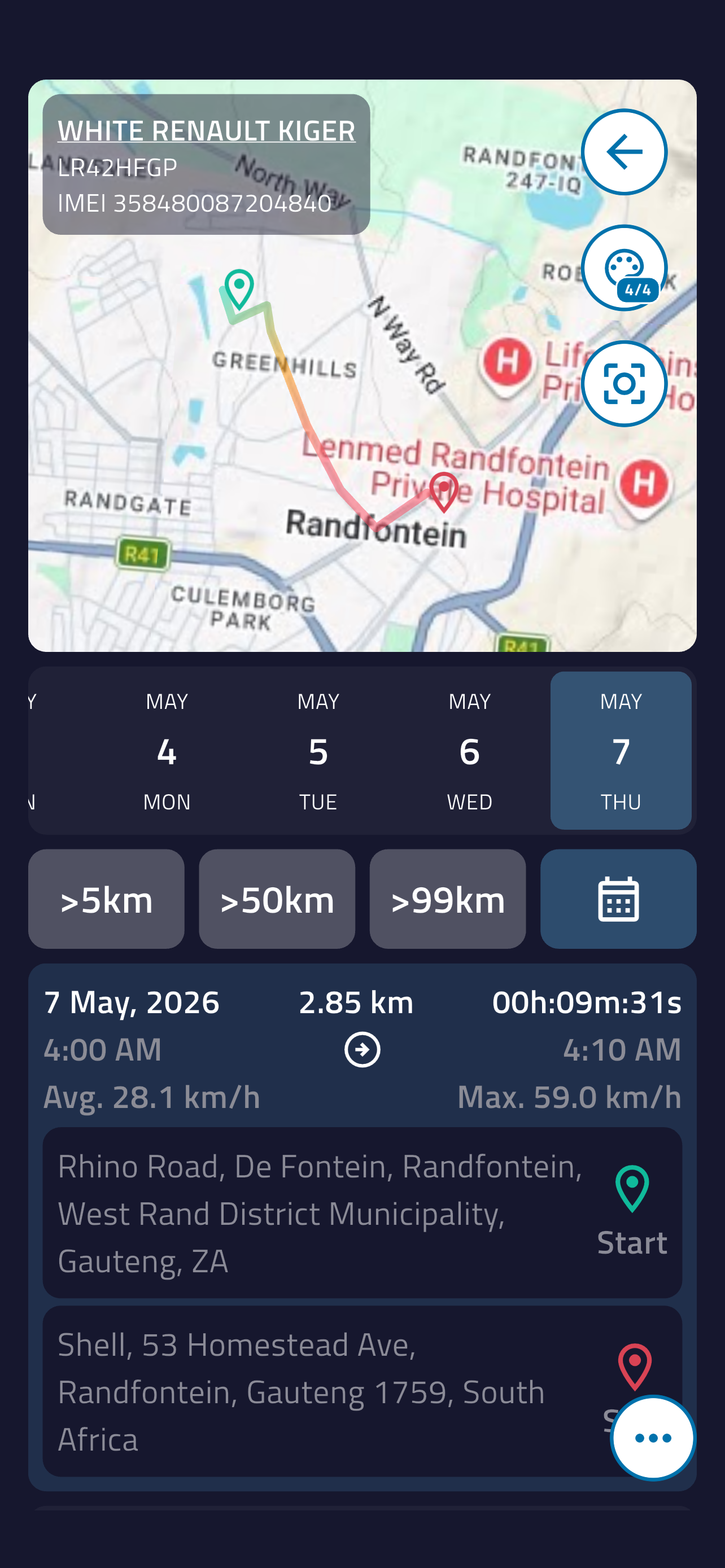
Choose any date and turn a past trip into a clear, defensible record before the meeting ends.
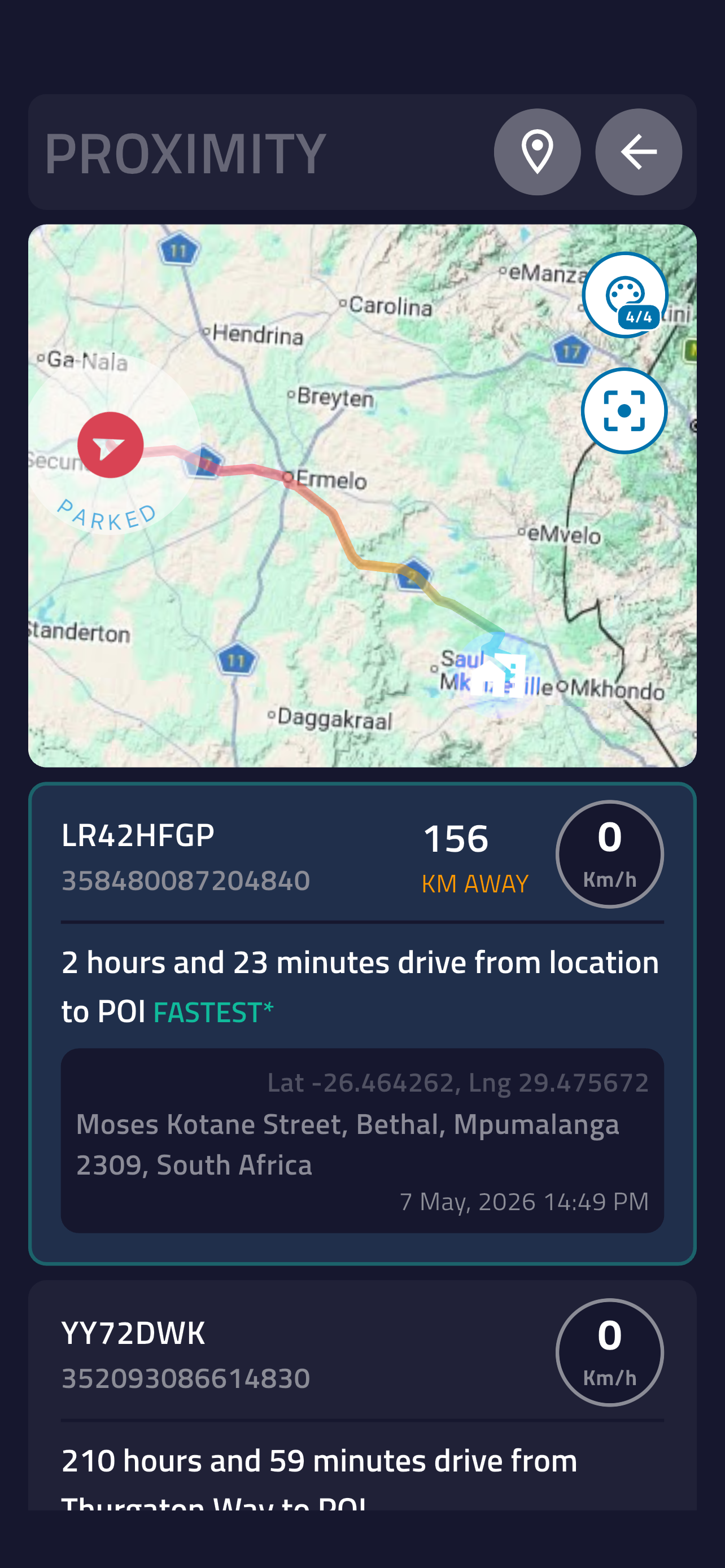
Drop a pin on the job and let live fleet data replace the calls, guesswork and unnecessary kilometres.
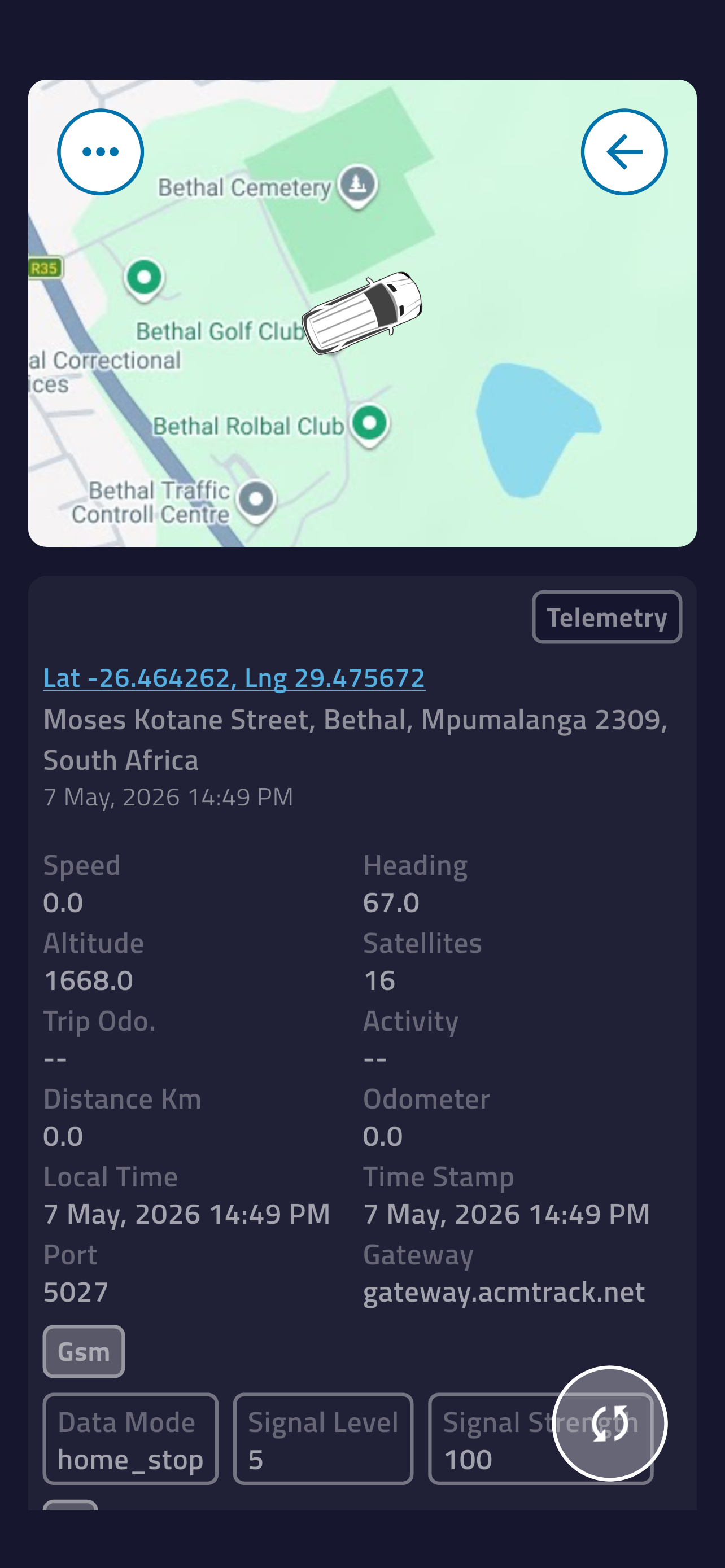
See the raw unit data behind the map for quicker diagnostics, stronger evidence and fewer unanswered questions.
Same Destiny back-end, same data. Here's exactly where they differ — most fleet managers run both.
| Feature | Web dashboard | Mobile app |
|---|---|---|
| Live fleet map | ||
| Vehicle detail & telemetry | ||
| Trip history & replay | ||
| Proximity dispatch | ||
| Geofences & named places | ||
| PDF / CSV export | ||
| Live update interval | 10 sec | 10 sec |
| Vehicles tracked | Unlimited | Unlimited |
| Push notifications | ||
| Biometric login | ||
| Background location alerts | ||
| Multi-channel video (MDVR) review | ||
| Bulk fleet config & admin | ||
| Full reporting suite |
The app is free to download. You need an active ACM Track subscription to access live tracking and fleet management features.
Yes. The app streams live positions and telemetry from the ACM Destiny platform, so you need mobile data or Wi-Fi to track your fleet. The tracking devices themselves keep recording in poor-signal areas and sync once they're back in coverage.
Absolutely. Track unlimited vehicles under your account. Use filters and groups to organise large fleets efficiently.
No. ACM Destiny is optimised for minimal battery consumption using efficient background sync and smart refresh intervals.
Yes. Create multiple user accounts with different permission levels — Admin, Manager, Driver, and Viewer — each with tailored access.
Live updates every 10–30 seconds depending on your subscription plan and the tracking device fitted to each vehicle.
All data is transmitted using 256-bit TLS encryption. The app also supports biometric authentication (Face ID, Touch ID, Fingerprint) to protect your account.
iOS 14.0 or later on iPhone 12 and newer. Android 8.0 (Oreo) or later on all major Android handsets and tablets.
Free with any ACM Track subscription — sign in with the credentials you already have.
Not an ACM Track customer yet? Talk to a specialist